Moves First
Brightney works without a prompt. It watches your connected tools, briefs you on what changed, and handles routine follow ups on its own.


 needs you, before you ask.
Brightney is the AI teammate that moves first.It watches your tools, documents, and meetings, keeps your company wiki up to date, and brings you what matters. No prompts needed.

You didn’t ask for any of this. Brightney found it on its own: a process running past its SLA, a playbook nobody has checked, a reply it already drafted.
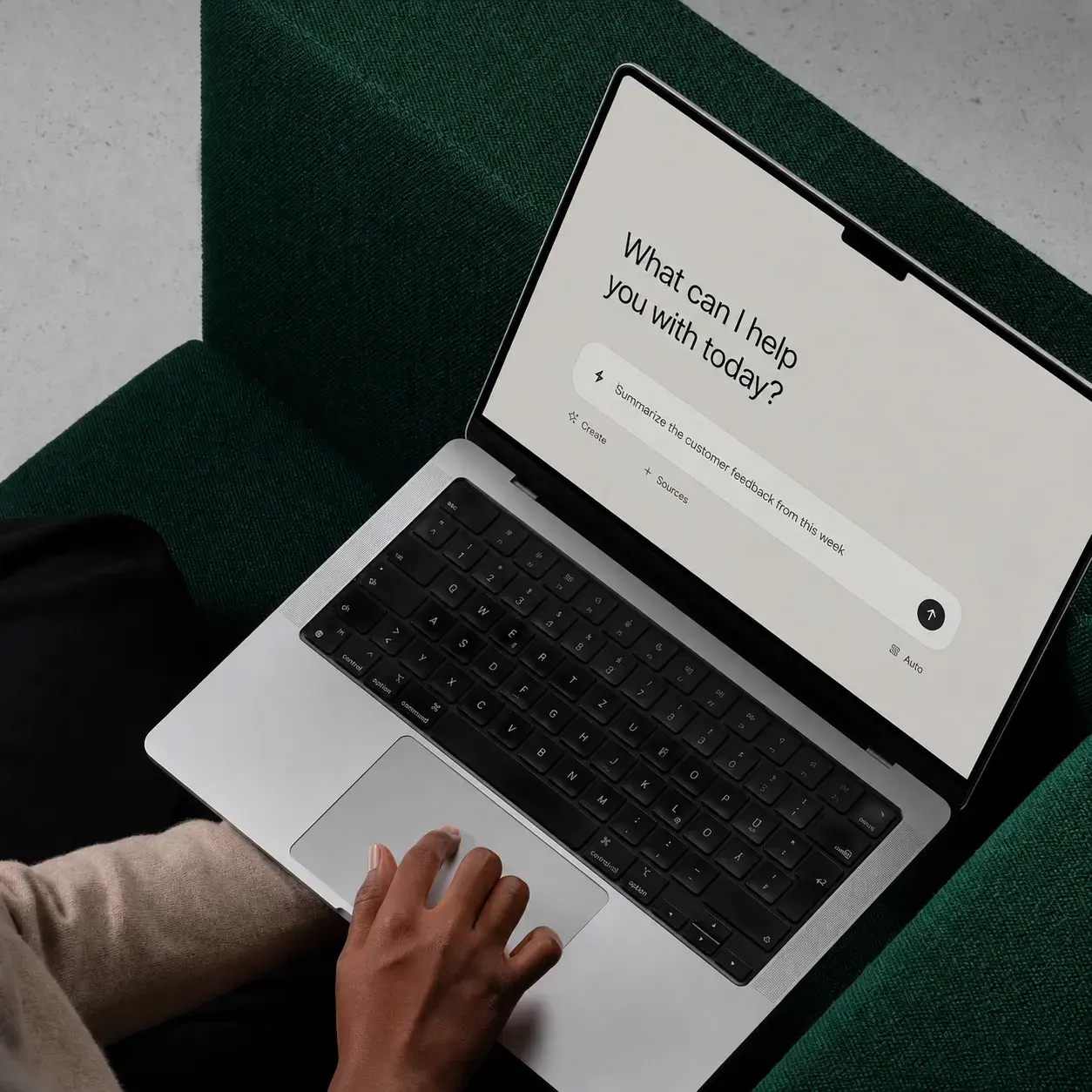
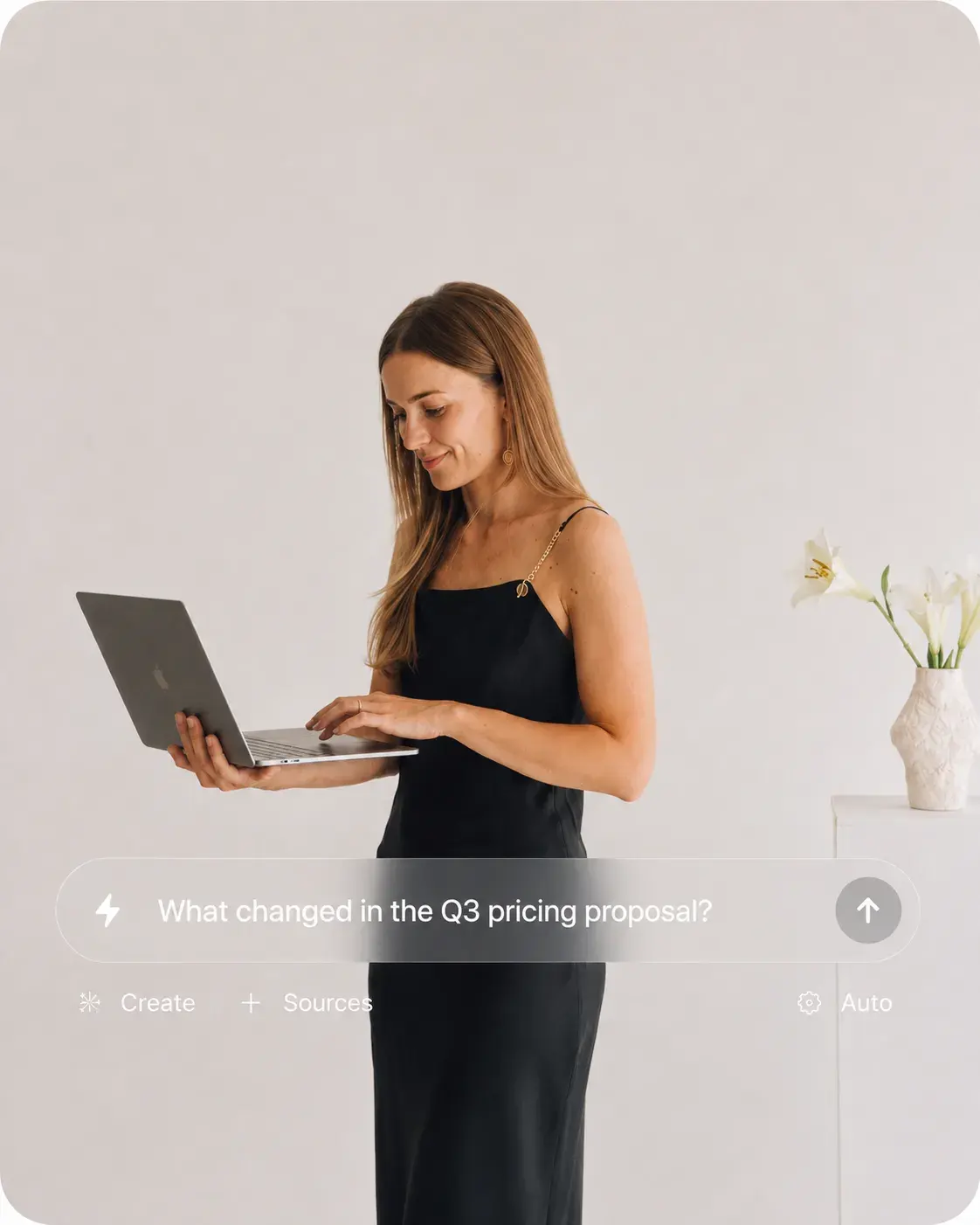
It comes to you in the app or in Slack. When you do have a question, ask with Brightney. Every answer shows its sources.
One place
to ask, instead of a dozen tabs
Seconds
to get context that used to take a morning
20+
integrations working together
Always on
watching for what changed
The problem
Decisions get made in meetings you weren’t in. Updates land in threads you never see. Playbooks quietly go out of date. The knowledge is there, scattered across a dozen tools, and nobody knows to go looking for it.
AI that waits
Only helps when you know what to ask, and when to ask it.
Brightney
Notices what changed and brings it to you first.
Moving first doesn’t mean more notifications. Brightney only flags what truly needs you.
Product
Brightney works without a prompt. It watches your connected tools, briefs you on what changed, and handles routine follow ups on its own.
Brightney writes and maintains your internal documentation from the work itself: meetings, decisions, tickets, and threads. When a process changes, the wiki updates.
Flags when two sources disagree, when a playbook hasn’t been checked, or when a project starts slipping, then routes it to the right owner.
Find any doc, message, meeting, or customer record in seconds, with sources attached.
A living map of who’s working on what, with whom, and why.
Agents that research, write, and get work done across your tools, with a human sign off where it matters.
Turn repeat processes into workflows that run on their own.
Record, transcribe, and summarize meetings, then turn decisions into tasks and wiki updates.
How it works
Connect your apps once. Brightney learns how your company works, keeps watching, and does the follow-up, so the picture never goes stale.
Integrations
0 of 8 connected
 Connect
Slack
Not connected
 Connect
Gmail
Not connected
 Connect
Google Calendar
Not connected
 Connect
Google Drive
Not connected
 Connect
Salesforce
Not connected
 Connect
Notion
Not connected
 Connect
Jira
Not connected
 Connect
Confluence
Not connected
Read-only. Brightney sees only what each person can already see.
Workflows
When the same report, reminder or handoff gets done by hand twice, Brightney notices and offers to take it over. You check the steps once. After that it runs on its own across tools, and anything that leaves your company waits for your OK.
Keeps the pipeline tracker current and posts Tom’s Monday summary to sales leadership.
Starts
Every Monday at 8:00
Uses
 Read deals and renewals
 Update the pipeline tracker
 Post to #sales-leadership
Instructions
Summarise what moved since last Monday, the way Tom writes it. Flag renewals at risk and tag the owner. Keep it under ten lines.
Suggested after Tom wrote this by hand two Mondays in a row.
Pipeline trackerStartingNew business pipeline
Use cases
Two milestones are blocked and the vendor has gone quiet. Brightney flags the risk to the project lead and drafts the escalation.
The sales deck says $40 per seat, the pricing memo says $45. Brightney spots it and asks the pricing owner to pick one.
A meeting changes the refund process. Brightney updates the support playbook and links the meeting it came from.
Before the Acme renewal call, the account owner gets a brief: renewal date, deal size, open tickets, and last quarter’s concerns.
A new engineer joins and gets an up to date guide to their team, projects, owners, and key docs.
Summary posted, tasks created, decisions added to the wiki.
Teams

Prep for calls, answer RFPs, update CRM, and catch pricing conflicts before they reach a customer.
Example question: Prep me for the Acme renewal call at 3pm. Brightney reads Salesforce, Gmail, Zoom, Slack, Notion, then answers: Acme renews Nov 30 at $184k ARR. Dana flagged slow SSO setup on the QBR call, and two support tickets are still open. Lead with the SSO fix, then offer the annual plan from the playbook.
Google Workspace, Microsoft 365, Slack, Notion, Jira, Confluence, Salesforce, HubSpot, GitLab, and your databases. New integrations ship every month.
 Google Workspace
 Microsoft 365SlackNotionJiraConfluenceSalesforce
 HubSpot
 GitLab
 Databases
Security
People only see answers from what they already have access to.
Your data is never used for training.
In transit and at rest.
Disconnect any app or delete indexed data anytime.
Teams across sales, operations, and finance are putting Brightney to work.
Connect your tools and watch Brightney get to work within minutes.